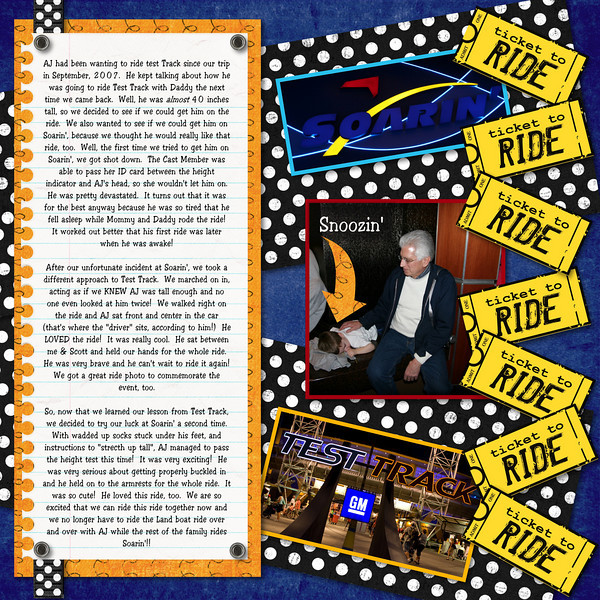
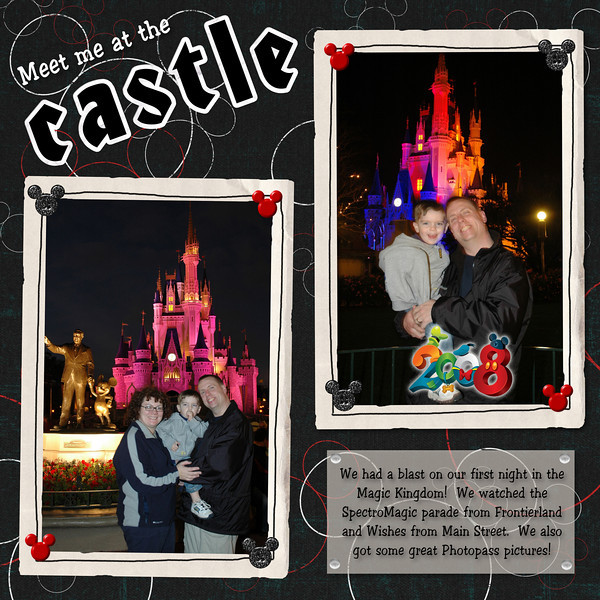
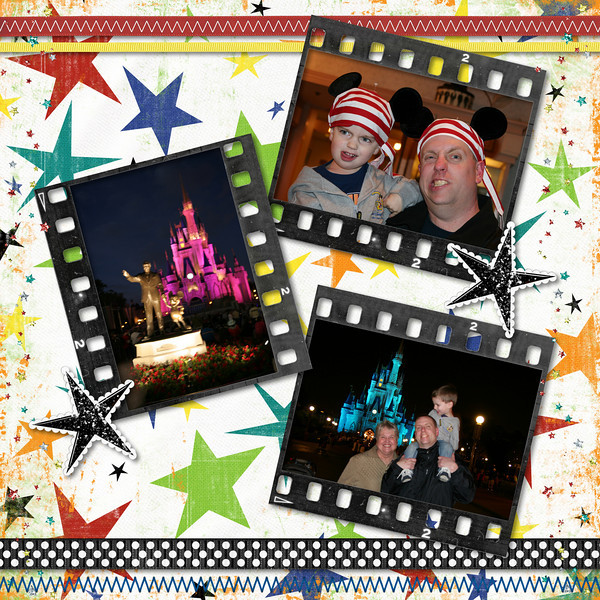
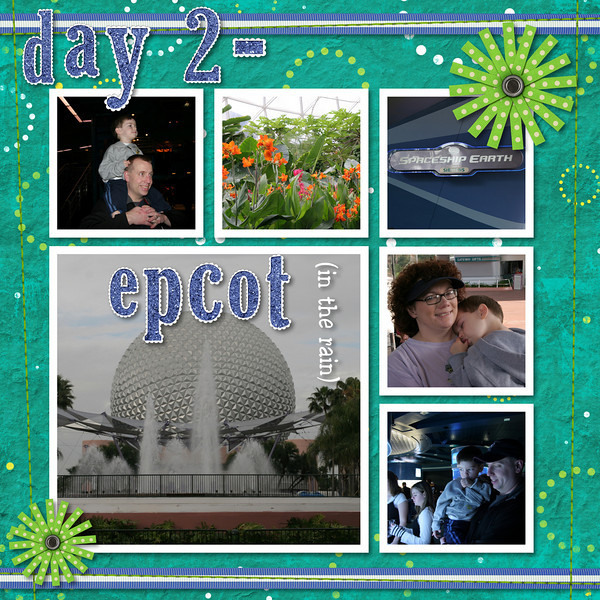
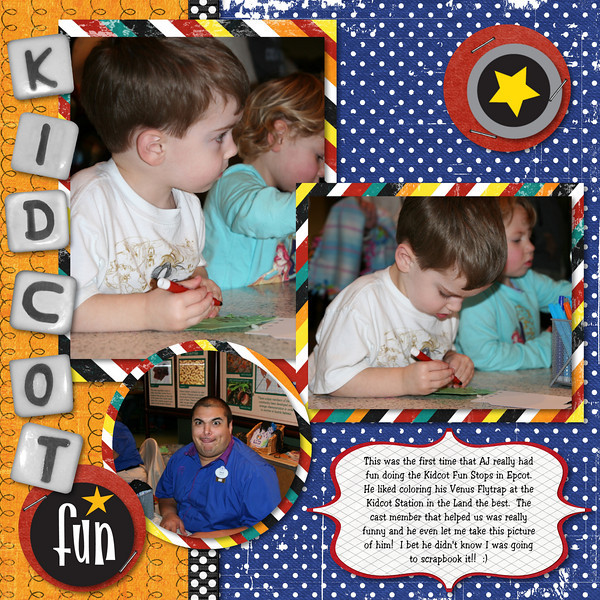
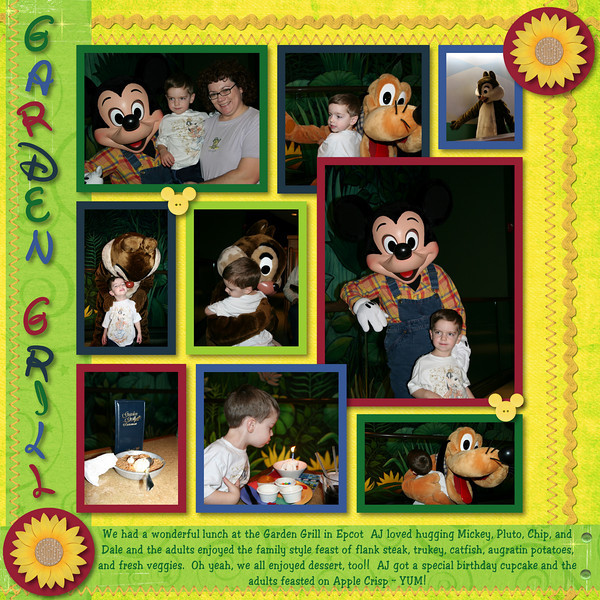
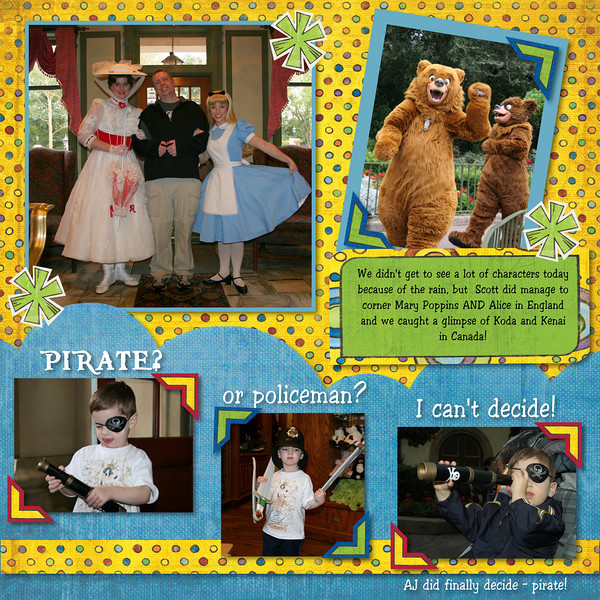
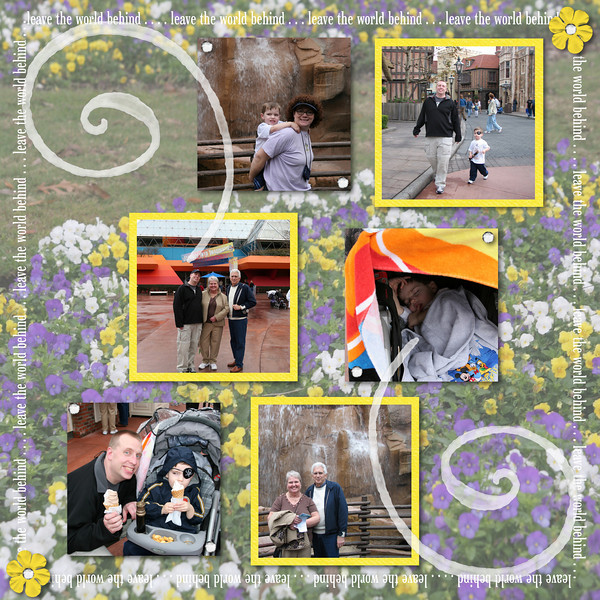
For this layout, I used CM's StoryBook Creator Plus, but I have used PSE, too. It works the same in both programs. Just make one long, skinny text box for the top edge of the frame, type in your words, and then work with it until the text is the right size and length to fit almost the whole way across the page. Copy that box, rotate it 90 degrees, copy again, rotate 180, copy again, rotate 270, and place each one along the sides and you have the "frame"! Hope that helps!
I'm an ex-CMC, too!! I actually LOVE SBC+. It is a lot easier to learn than PhotoShop (IMO) and it simplifies the process quite a bit. I find it really easy to use and very intuitive. I still use PSE to edit my photos and organize them (I don't have CM's Memory Manager software). I don't plan to order my pages/books from CM, but I do like their software!
Here's another layout, also made using SBC+. This is a two page spread. I'm not sure if I'm totally finished with the second page yet, but I thought I'd post them both anyway.
ETA, I do know that the word certified on the stamp on page two is spelled wrong, I fixed it and the layout, I just didn't upload the new pic yet!!
And thanks to DIS-er, Mark Barbieri for sharing his sign photos -- that's his great shot of the Test Track sign!!
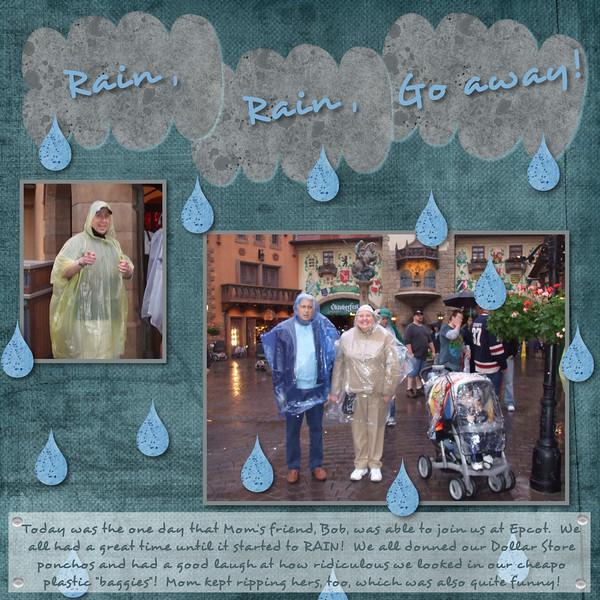
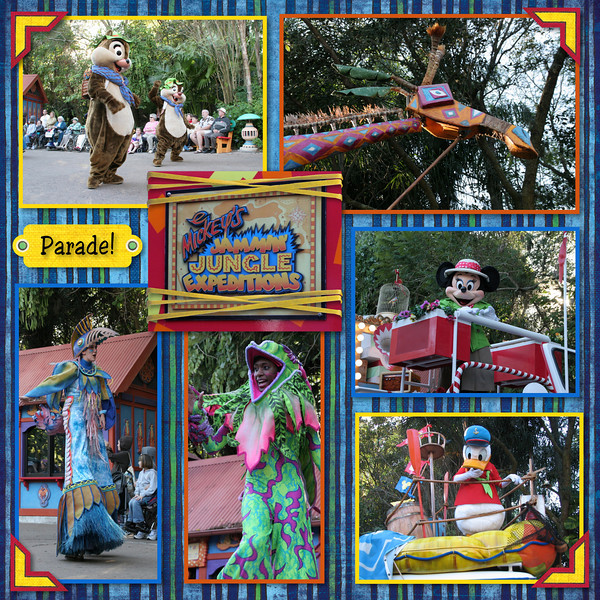
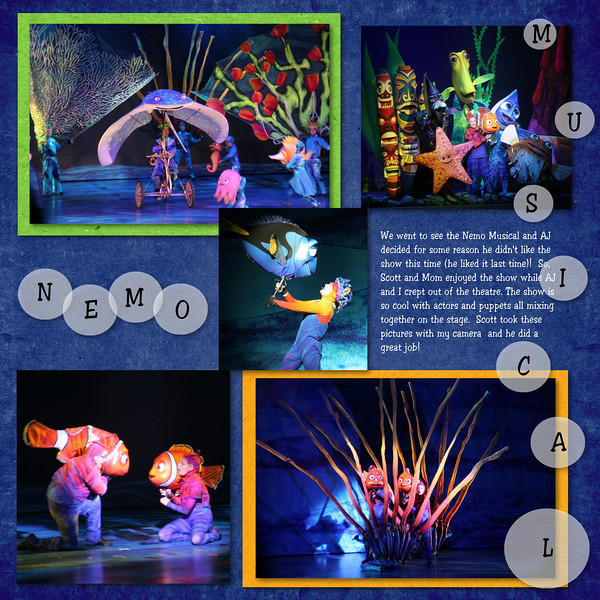
all of the layouts use elements from either Creative Memories Primary Power Palette, Britt-ish Designs Happiest Kit on Earth and/or Leave the World Behind Kits.
To answer the question about how to post a picture, you have to have the images hosted somewhere (e.g. photobucket, smugmug) and then you copy the URL from the hosting site, click the little icon that looks like a mountain above the box where you type your post and paste the URL for the photo in the box that pops up. Then your pic will be int he post! HTH!