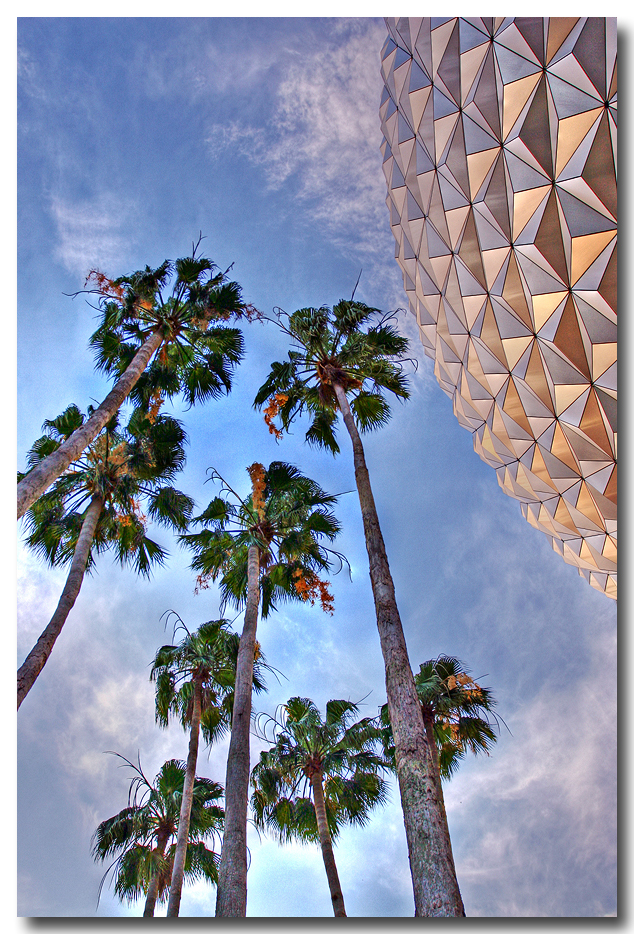
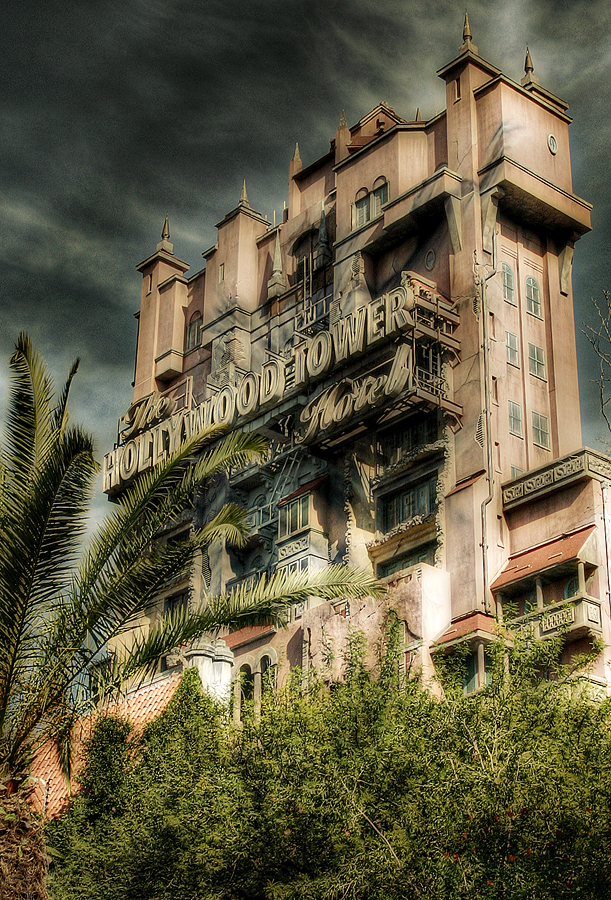
photo sharing: HDR

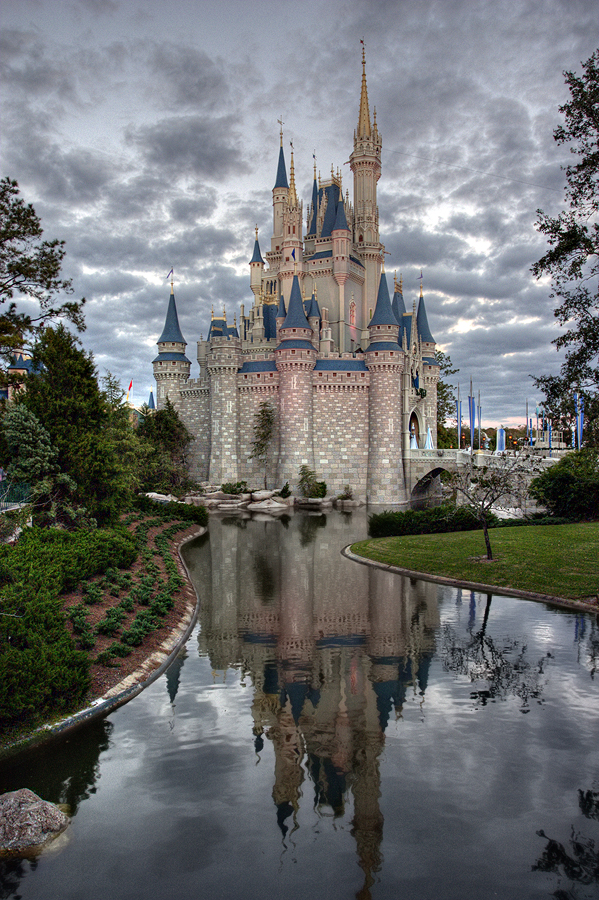
Cracking shot, it doesnt scream HDR.

For a guide to HDR and in my opinion one of the best HDR photographers out there is a guy called trey ratcliff, his website is called stuckincustoms . com
I find his work amazing, if i only had the time and patience.

His WDW set is well worth a look, as is his blog on his trip to Chenobyl.
 
I really like the shot, Jeff. :thumbsup2

A super "natural" look to it...and I think a great choice for HD. The lack of many colors makes this just a "Wonderful" shot!! No sign of anything artificial.
Kudo's to YOU !! :cheer2:

Hey..Groucho... :love: Your shot too !!!:dance3:
 
Beautiful!:worship:
I wouldn't have originally thought "HDR"...I would have thought, "HOW did he get that shot!?" :)
 
Nice work, it does look like a non-HDR image (which is definitely a good thing IMHO!) In fact, were there really much in the way of lost image data in the original?

Hmm, I just checked my shot of the Belle with a similar light level, and there is definitely some lost detail (and I think I brought a little back with Lightroom) due to clipping with a non-HDR shot.


Thanks Jeff- I went back out of curiosity and examined the original 5 shots. If I were going to pick one it actually looked like the +2 was the best exposed and closest to the final version above. (for whatever reason...) Here is a 100% crop of each. I think the HDR has better color tones (especially reds- see the bricks and the lettering on the boxes?) aside from the blown highlights being better controlled.

Crop of above HDR-
321949390_vH7Fi-O.jpg


Same crop from non-HDR-
321949395_8Bt6b-O.jpg
 

Thanks for the kind words all-

I was in Epcot last night for over two hours after Illuminations ended and I was shooting everything in a 5 shot bracket- so I may try some more of these. ;)
 
For those still unclear on the concept of HDR (high dynamic range) photography, I'll try to explain. Sometimes the brightness range from the darkest to the brightest parts of a picture is so big that the camera can't capture everything. You either have dark areas that are just too dark or bright areas that are too bright (or both).

In this example, the small patch of sky and some of the lighter areas are too bright and the underside of the thatched roof is too dark.

321956706_TdM2g-L.jpg


If I took the same picture but lowered my exposure (made the picture darker), I could fix the problem with the bright areas, but the problem with the dark areas would get worse.

321956590_RNjrX-L.jpg


If I increased the exposure (made the picture brighter), I would fix the problem with the dark areas but would make the light areas look worse.

321956782_LNcoG-L.jpg


To fix them both at the same time, I took all of these pictures and combined them into one picture. There are a lot of ways to do that, but I used a simple software package called Photomatix. The result is this combined photo:

321957387_dGPsw-L.jpg


I actually added two more pictures, one between the regular and the dark picture and one between the regular and the bright picture. The software combined them all into a single photo.

There are several "gotchas" that you need to be aware of. First, you want everything to be exactly the same between the pictures except the brightness level. That means that the camera shouldn't move (use a tripod), your subject shouldn't move, and you shouldn't adjust anything in the picture except the shutter speed or the ISO (no zooming, changing aperture, adjusting focus).

The second issue is that the software has to do some tricks to map the tonal (brightness) range from the several pictures into one. There are lots of ways to do this and they often end up making your picture look like something out of a special effects freak show. Surprisingly, many people have come to like the weird effects that sometimes occur and they consider that the "HDR" look that they want. Personally, I prefer pictures that look more like what a person standing their would have seen, but it's a personal preference.

Here are a few other HDR photos from that outing.

In this one, I did have a moving subject - water. I used a long enough shutter speed so that the water appeared as a blur rather than as a distinct object, so it wasn't that big of a problem.
271268112_3qxZX-L.jpg


Here, the pond fronds were gently swaying, so they aren't nearly as sharp as they should be. It's not too objectionable in a small view, but I wouldn't want to see a large print of the picture.
271266491_viKsM-L.jpg


271263270_3U4EY-L.jpg


Here is one where I broke several rules. I hand held the shots and I had moving subjects. The mitigate those problems, I shot as fast as I could (8.5 frames per second) and I braced the camera against a side wall.

271265634_VbUVk-L.jpg
 
Mark, I see that there is a "Photomatix 1.2 Basic" available as freeware. Would this version produce acceptable HDR results, or does it provide just enough to get you frustrated?

Craig
 
Jeff, the differences really are pretty subtle but brought some color and some highlight detail back nicely. With this example, you could probably get very close to the same results with a little raw tweaking, or maybe -1/0/+1 bracketing.

But that's probably why we all like it - I'm sure you could have processed it such that the dark areas were fully bright (as in a highly-processed HDR) but I don't think it would look nearly as nice!
 
With this example, you could probably get very close to the same results with a little raw tweaking,

I agree with you- I was playing around with some shots of Epcot France and like the +1 Exposure shot (after tweaking) better than what I came up with using HDR. But we never know until we try. ;)
 
Very nice narrative and examples Mark- Thanks for adding them.
 
Still experimenting- here are a couple more. These are way beyond anything I could pull out of a single raw file.

322443574_MxKUH-X2.jpg


322415624_r3Hzj-X2.jpg
 
WOW!! Jeff and Mark! Awesome job with the HDR. These are the way HDR shots should look.

Stunning work to both of you.
 
I love the photos and seeing what can be done with HDR. Thanks for sharing! :thumbsup2
 
GDad,

Stunning picture of France. Shows what can be done to bring out detail in a situation where a simple shot just couldn't capture everything, without it becoming cartoonish.

Excellent shot! :worship:

Just wondering, do you use Photmatix or Photoshop to create your HDR shots?
 
Thanks- Done in Photoshop CS3. Here is one more...

323188717_YLyGv-X2.jpg
 
Beautiful "China" shot, Jeff. What is the streak of light at the top left?

~Ed
 
The France and Fountain of Nations shots (especially the France one) are very nice... but I have to say, I don't care for the China one too much. The sky is just too bright and there's too much dynamic range compression IMHO - it's very obvious that it's an HDR.
 
WOW! I really like all of your HDR photos Gdad and Mark! Awesome! :thumbsup2 I don't think they look too cartoony at all.
 
The France and Fountain of Nations shots (especially the France one) are very nice... but I have to say, I don't care for the China one too much. The sky is just too bright and there's too much dynamic range compression IMHO - it's very obvious that it's an HDR.

I agree Groucho, however, the China shot doesn't SCREAM HDR to me. It doesn't look fake, it looks like an HDR, but there is a realness to it. Maybe its because it looks like it's over exposed it has more of the HDR "look". Maybe cut down on the brightness.

Otherwise it is very nice.

That France shot is absolutely incredible.

As HDR images go Jeff, your doing an excellent job. Great work.


Disney Vacation Planning. Free. Done for You.
Our Authorized Disney Vacation Planners are here to provide personalized, expert advice, answer every question, and uncover the best discounts. Let Dreams Unlimited Travel take care of all the details, so you can sit back, relax, and enjoy a stress-free vacation.
Start Your Disney Vacation
Disney EarMarked Producer

New Posts


DIS Facebook DIS youtube DIS Instagram DIS Pinterest DIS Tiktok DIS Twitter

Add as a preferred source on Google

Back
Top Bottom