
NOW post and share your digital pics!! Great photos inside:)
- Thread starter debbiedoo
- Start date





 trying to figure out how to get some of the background out but my computer is going nuts





 It reminds me of a horror movie I may have seen as a kid - one of those where the kids go in the fun house and never come out!!!
  OK, I should lay off the coffee this late at night!!!


 but then i run from frankenstein at universal so i am a coward any way
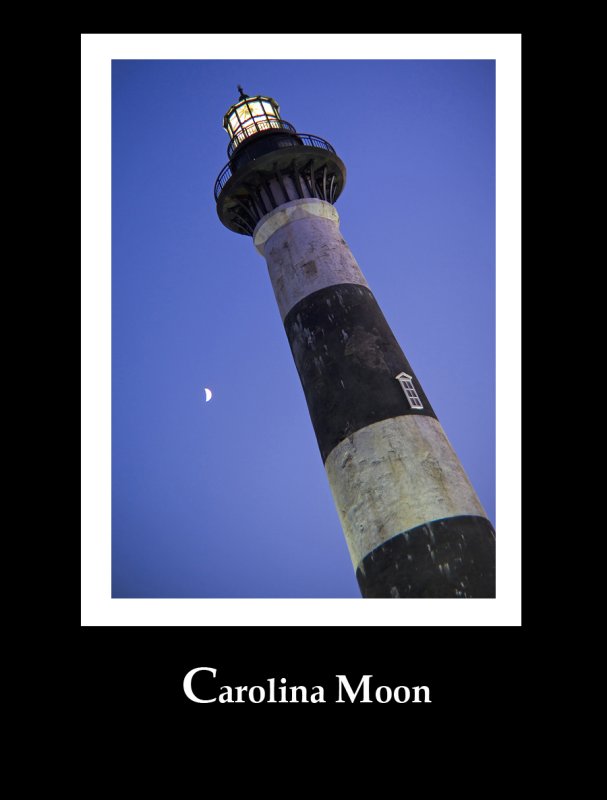
 ) but basically in photoshop(I have elements5), you go toin the editor, image-resize-canvas size then in the box that opens pick the color( in 5 at least not sure about any others at the bottom of the box it has a scroll and color swatch, i used the eyedropper to pick the colors from the photo) and type in how big you want the border, click ok.you do the pinstripe first then follow the same steps for the larger border


Share this page
-
The Ultimate Breakfast Spot at Disneyland
-
New 'Disney Cascade of Lights' Nighttime Show Uses Aquatic Drones
-
The Disney Dooney & Bourke Styles on Sale NOW
-
Unexpected 'Coco' & 'Inside Out' Merch in Disneyland Shop
-
D23 Expo 2026 Tickets & New Disney Legend Honorees
-
Leaked Image Hints at EPCOT-Style Park Expansion in Shanghai
-
Vintage Disney Shopping: Chloe's Treasure Thursday


Disney Vacation Planning. Free. Done for You.

Our Authorized Disney Vacation Planners are here to provide personalized, expert advice, answer every question, and uncover the best discounts.
Let Dreams Unlimited Travel take care of all the details, so you can sit back, relax, and enjoy a stress-free vacation.
Start Your Disney Vacation





