Sand
Mouseketeer
- Joined
- May 3, 2009
- Messages
- 400
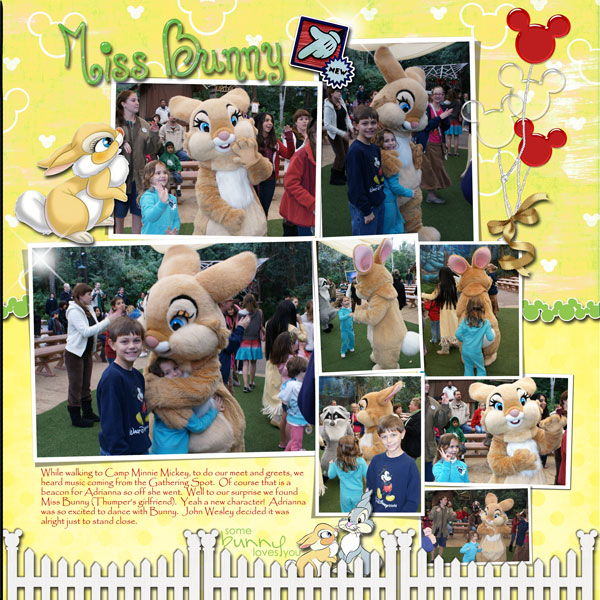
Sand and ccmystic16, thanks for your advice. I am really inspired to try something digital after seeing Natalie's Lilo and Stitch layout. I'll need to look into some free tutorials to see how to use one of these kits.
I just had a thought, since Natalie saves her kits in .jpeg and .png. You can play with a kit in Word. I just tried to change the margins (in Word) to 12x12 and it reminded me I was out of the printable area (8.5x11), pressed ignore and was able to insert both jpeg and png. Check your text wrapping to make it easier to layer and move things around so you can get a feel for digital. You can pretend you are making a brag book size which would probably be easier, set your margins to 6x4, 5x7 or 8x8, then you can also print it but you won't have the resolution. This will give you the general idea of how to layer and position your layouts the way you want them. Your are correct by doing some research ahead of time to see if this is something that you would want to. Use your favorite search engine to search free digital scrapbook (or scrapbooking) tutorials. There are hundreds!
 Just googled it and scrap girls.com came up. They are very informative. Hope this helps!
Sandy


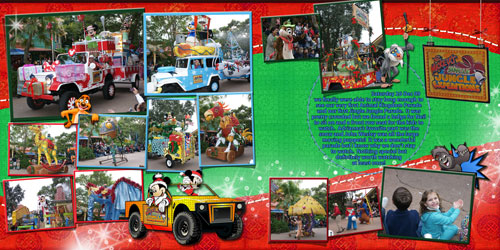

 I am so glad you didn't change anything from your original layout. The safari gang and scatter is great!! I have used your layouts as guides to learn new skills and techniques. One thing I have noticed about all of them is somewhere on the page you include a little shine or shimmer which usually subtle, LOVE THAT! You are a master at adding the "magic" touch! I know you have said how much your daughter enjoys the books (as do we!). If you and Erin like it, it is a keeper!
 You have saved me so much time, which I don't have much of these days. THANK YOU THANK YOU THANK YOU!!


 Of course my husband says...."Ask Natalie..."