And that is why I was asking.
As a layperson I’m not sure I understand the difference between an external hard drive and using the desktop for this purpose. Why can’t the desktop be an external hard drive?
It's rather complicated and I'm certainly no networking or IT expert. But I do have several complete backups of my various computers. The easiest thing to do is to have a single plug in device that does periodic backups. That's what an external drive is. But it doesn't have to be a hard drive or an "SSD". Theoretically a large capacity USB flash drive could be used, although long-term reliability could be an issue.
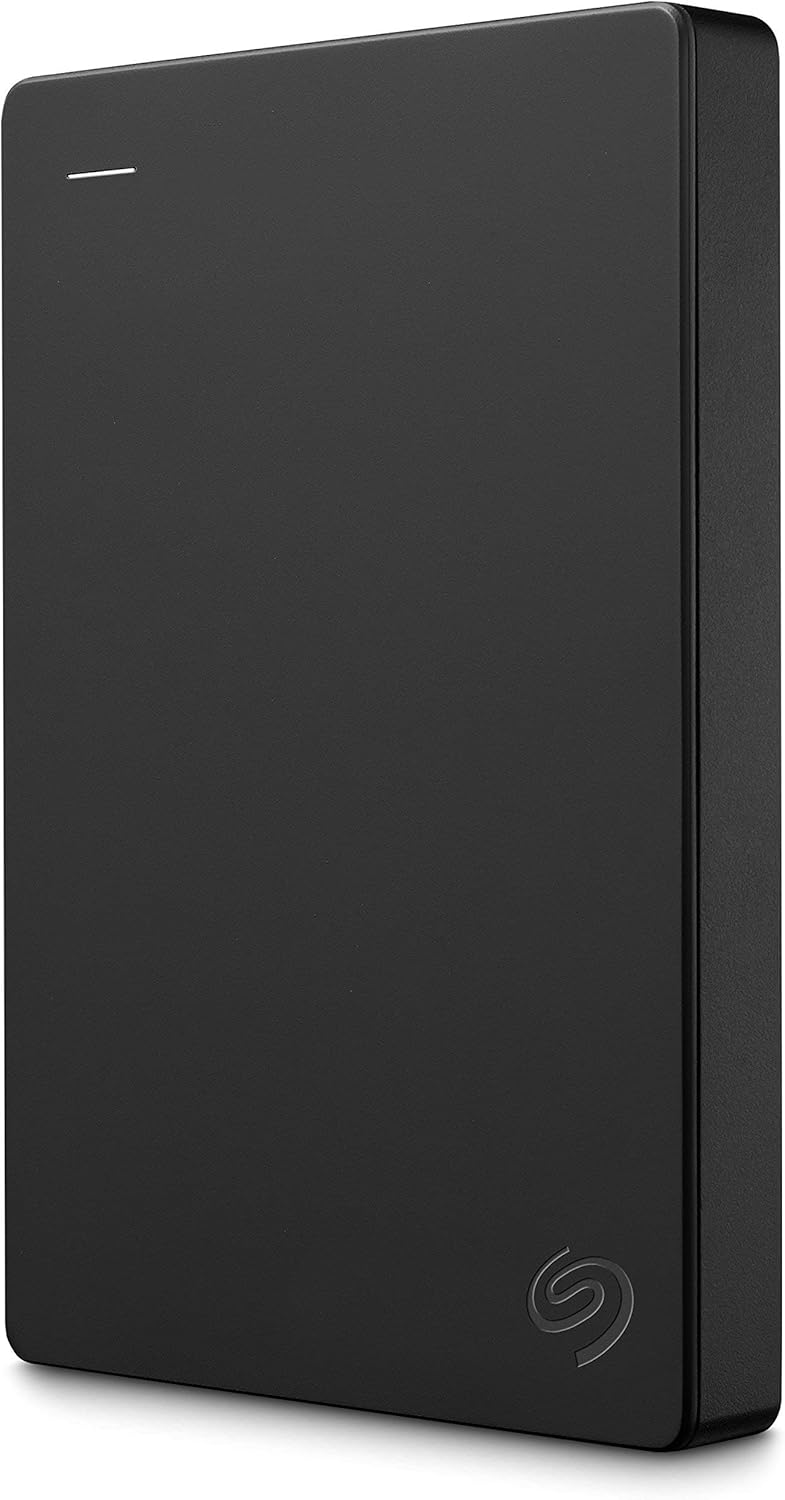
This is an external hard drive. I've got the 4 TB version in this series, but the price has gone up. I'd think for the average user, this one (2 TB) would be adequate as a backup and is at an excellent price point. It's a pretty basic drive and doesn't have a whole lot of bells and whistles, but it does everything that I need for a backup and for offloading data that I don't want on my boot drive. It's pretty simple. It has a cable to connect from USB to the drive, and uses very little power - which will come straight from the computer. If you've used a USB flash drive, it's not really all that different other than it's bigger and makes noise. It should show up as a device that the user can access just like the main drive.
https://www.amazon.com/Seagate-Portable-External-Hard-Drive/dp/B07CRG94G3?th=1
I'm not sure what you would want to use for backup software. I've got mine formatted for use on a Mac and there's really good built-in backup software (Time Machine) native-built in the operating system. I've got it set up so that whenever my drive is connected, it will periodically perform incremental backups. When it's connected for a while, I find that the backups are performed about every hour of so, and I can access these as "snapshots"
Seagate has some sort of backup software for Windows available for free, although I've never used it. There are other pieces of commercial software available. But for your application, I'd think something simple might be best. Maybe contact whoever tried to recover the data previously and ask what they recommend.
You asked about the difference between a "portable" drive was. It's kind of a nebulous distinction. The really big difference is bus-powered and external powered. These smaller drives use less power and as I noted will be powered directly by the computer. Larger external drives typically use 3.5" drives and will need to be powered off of a separate power supply (aka a "wall wart"). I've got a few of these, which require a connection to a computer in addition to a connection a 12V power supply with a barrel connector. I haven't looked this over completely, but it should give a good idea of what's involved.