ukcatfan is right. All 3 of your photos are using a shutter speed of 1/320 sec, which is way too fast for low-light photography.
You were right to use the 50mm f/1.8 lens because of its large aperture (small f-number). You were right to increase the ISO when you though the photo was too dark. The only part of the "exposure triangle" you didn't change was the shutter speed.
For low-light photography, you want to do everything you can to get *more* light into your camera. You do this by:
- using a larger aperture - letting more light into your camera
- using a higher ISO - making your camera sensor more sensitive to light
- using a slower shutter speed - allowing more time to let light into your camera
Sometimes, when you use a very very slow shutter speed (perhaps shutter speeds slower than 1/30 sec?), you run the risk of blurring due to camera shake. In those situations, you'll want to use a tripod.
Photography with a Tripod
If you're already going to use a tripod for these low-light nightscape shots, you might as well try to get the best photo you can. In that case, you can afford to use
lower ISO (ex. ISO 100-200) to avoid noise / grain in your photos.
You can also afford to use
smaller apertures to get sharper photos and larger depth of field. Try apertures like f/8 - f/11, which is usually your lens' "sweet spot". Apertures smaller than that (ie. larger f-numbers) run the risk of diffraction causing some mild softness, slightly less-sharp photos.
With lower ISO and smaller apertures, you'll then have to use
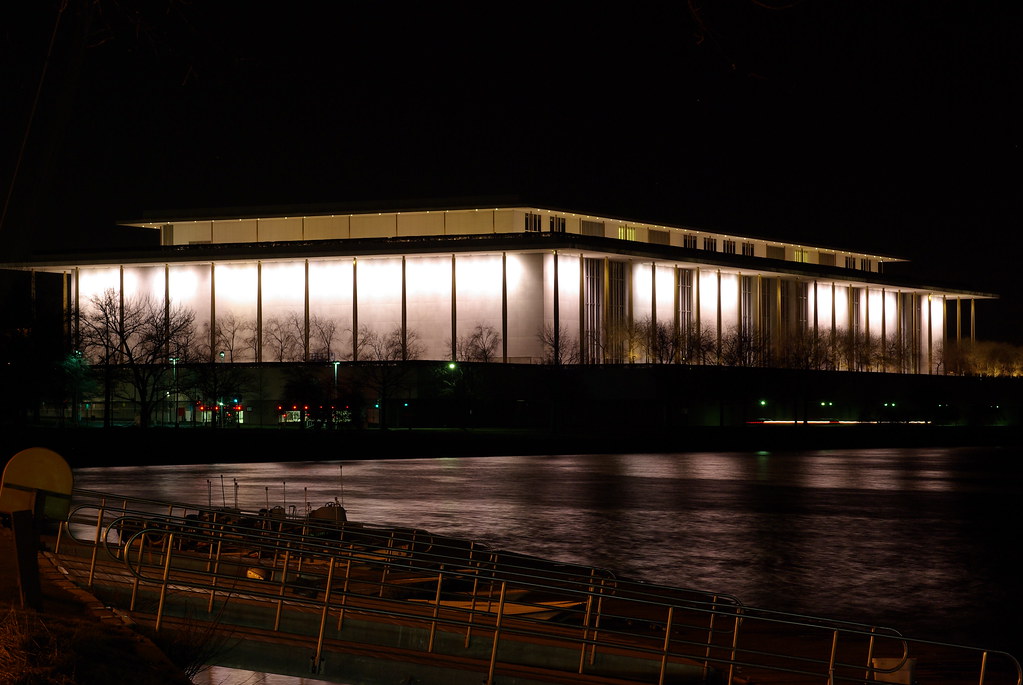
very very slow shutter speeds (like *several seconds*) to get the right exposure for low-light photography. But that's okay because you're using a tripod.
That's the key to all the beautiful low-light / night photography that you see on this message board.
(I feel like that rogue magician in Magic Secrets Finally Revealed)


 .
.
 [/IMG]









 . I do think the second one looks blurry, because of the spot metering that I had forgotten to change, and the street light from behind was more of an influence for some reason. I'm sure it didn't help that I was cold and didn't take my time in framing it well. I am just so excited that I feel like I am getting better and better with all the help from this board and all the nice people willing to help others








