not sure how much on topic this question is but i was wondering if anyone could recomend some photo editing software that could help me get rid of some slight blurring in my pictures.
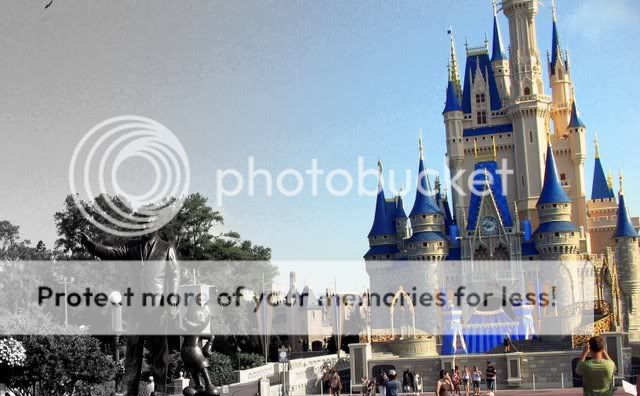
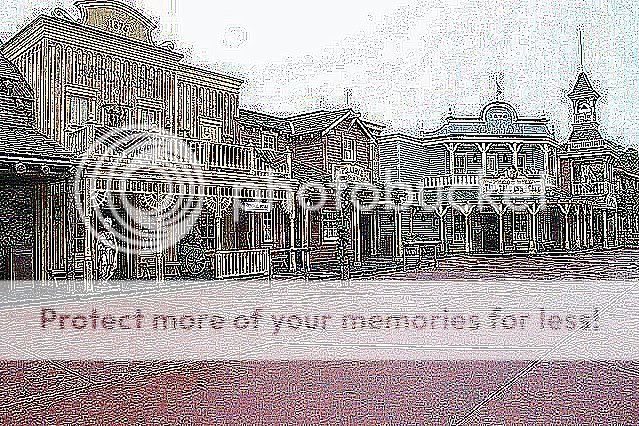
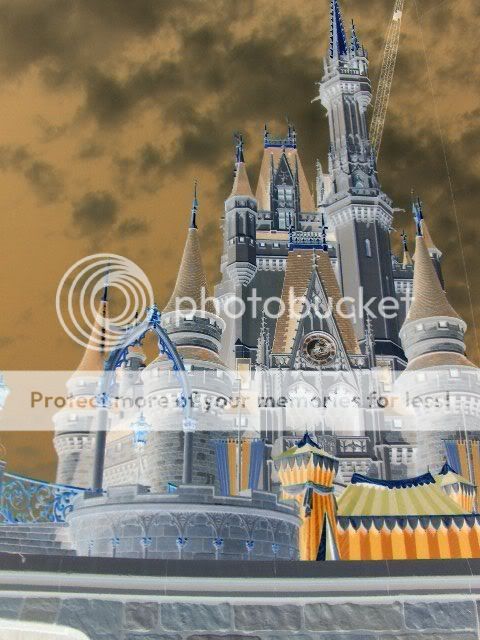
Sometimes you take a picture, and it comes out really bad. At this point there are two choices, either delete it, or do something different to it. Here is my example of this.
photo 1 - really bad, the sun pretty much washed this photo out:
photo 2 - Instead of deleting it, I did something else to it:
So glad I am not alone! I got photoshop elements for Christmas but I am just not getting it! I keep playing with it but usually get frustrated and give up before anything magical happens. Sigh...
Our Authorized Disney Vacation Planners are here to provide personalized, expert advice, answer every question, and uncover the best discounts.
Let Dreams Unlimited Travel take care of all the details, so you can sit back, relax, and enjoy a stress-free vacation.









 That is awesome.


 pepper. Thanks. It's one of my favorites. And if it wasn't for alot of other great Disers and their recommendations, I couldn't have done it.