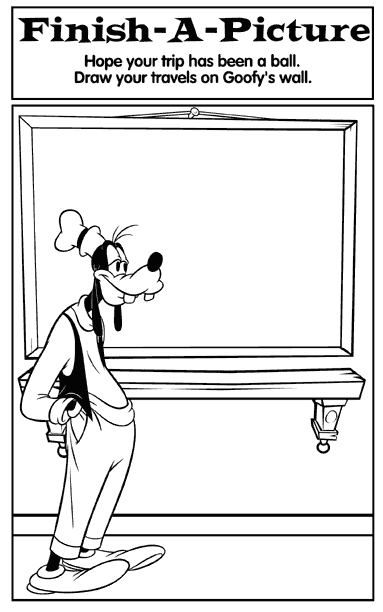
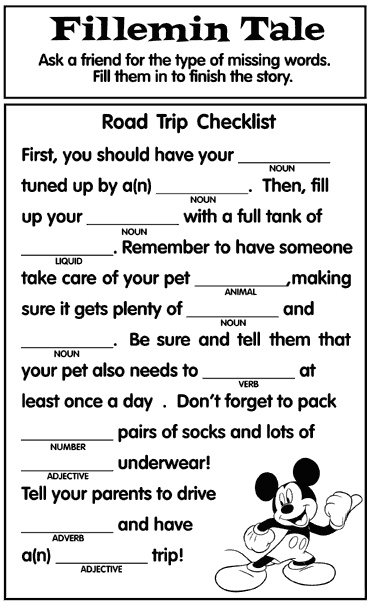
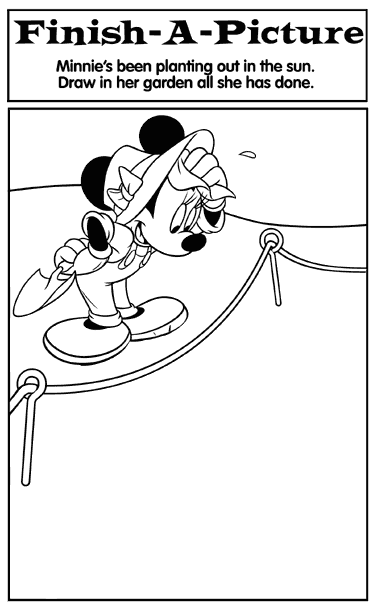
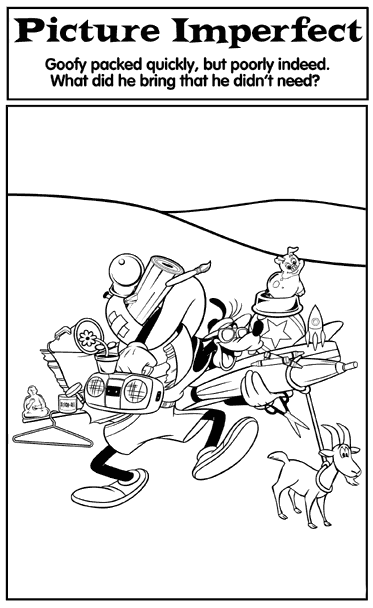
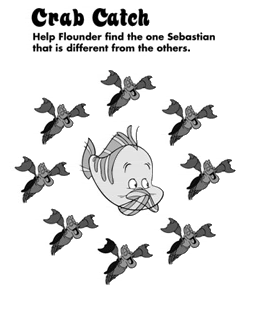
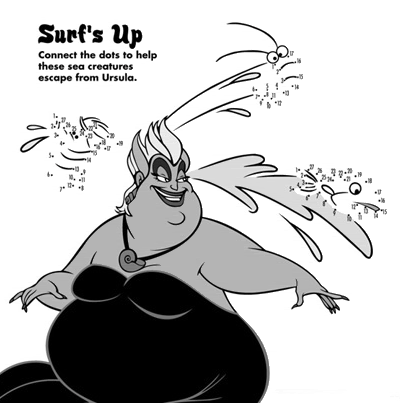
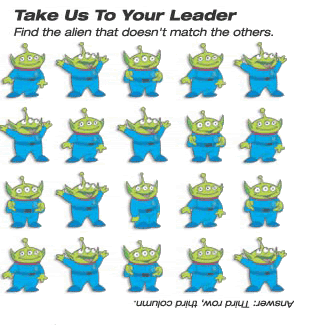
Kid Disney Fun Book - Activities

Our trip isn't until July so I have putting off this EXACT task!! I knew I would do it, but I was waiting for the school year to be over!!:) Now, you have all done it for me. Should I give you my first born? Will I owe you a service?!?!

Kidding....but really...thanks!

Kim

ps. the pages that have been added within this thread. How to do I get them to Powerpoint/word whatever?? I tried copy/paste and it didn't work.


You are TOO Funny!!:rotfl: To get the pages off of this site. Right click on the image and save them in a specific folder. To put them into your PowerPoint document, go to Insert at the top of your tool bar, scroll down to picture and choose from file. Then file where you store the file and insert. You can change the sizes or whatever you choose.

Hope this helps!
 
this is just simply terrific!! My DD2 is too young for most of this but I will save for next year(s). Thank you so much for sharing!

I made my own Disney Activity Book for the plane last Sept and included a Sticker Fun Page, Touch and Feel pages, Princess Memory Game, Mix and Match Cards, Coloring Pages, etc. I put mine in an 8x8 Mickey Scrapbook. It was a great hit as I know yours will be too!

Thanks again!


Ohhhhhh, how did you do Sticker fun pages, touch and feel. Did you just put itmes INTO your activity book? Or???

Thanks Krista
 
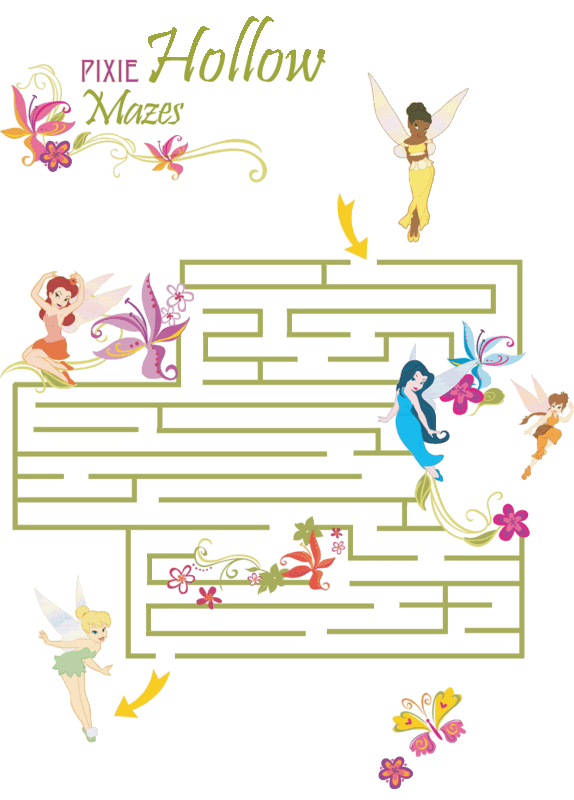
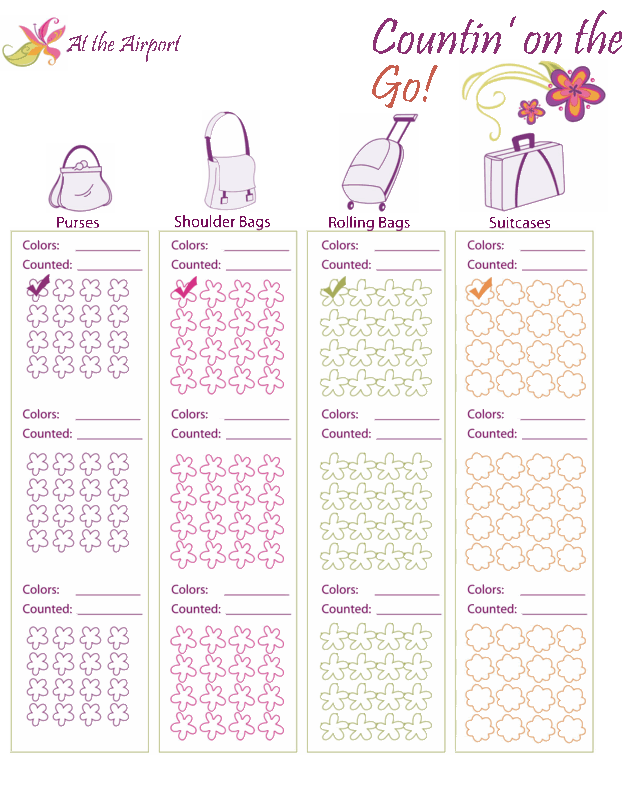
Games_Airportcopy.gif


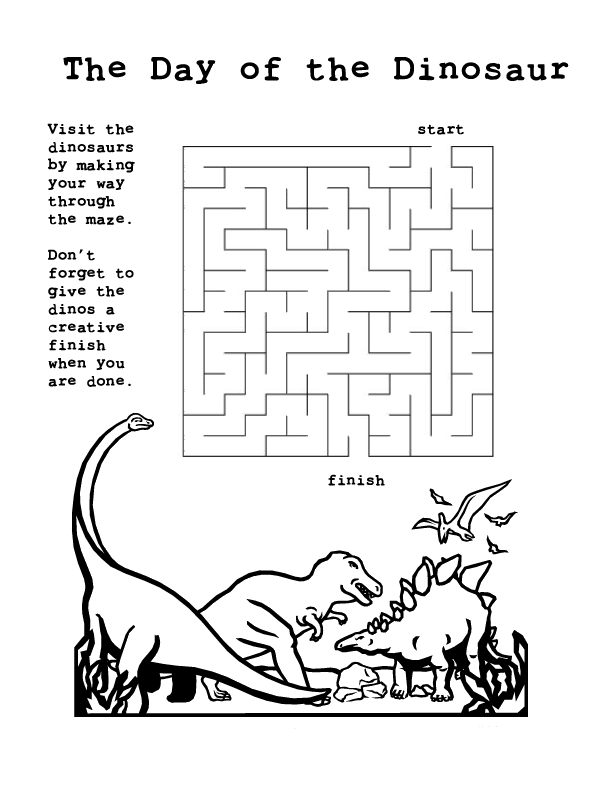
Games_Mazecopy.gif


dinosaur-coloring-page-maze.gif


lbt.gif
 
Ohhhhhh, how did you do Sticker fun pages, touch and feel. Did you just put itmes INTO your activity book? Or???

Thanks Krista

I used a mini-scrapbook and cut the protective liner to expose whatever "item" I wanted my DD to have access to. I.E., for the coloring page, I just cut around three sides of the protective liner so she could color without pulling the entire page out of the scrapbook or so she could feel the feathers in Daisy Duck and the felt hat for Donald, as pictured below. I also velcroed (is that a word?) the Daisy and Donald to each page, so she could take them off and play with them like Paper Dolls.

IMG_0280.jpg


Here are the Disney Princess Cards -- On one side is the picture and on the back I wrote description of each princess. I put them in a pocket and just cut a slit so you could get to them. We used them for a "concentration/memory" game.

JPEG044.jpg


Here is the link to my Disney Activity book ... I made 34 pages in the book -- from coloring pages, to sticker fun and touch and feel.

Hope you enjoy looking at them!

http://www.disboards.com/showthread.php?t=1545024

It was a LOT of fun but also work to do. But I like scrapbooking so it was just another way to have fun with it.

I like OP idea too -- a lot less work!
 

I used a mini-scrapbook and cut the protective liner to expose whatever "item" I wanted my DD to have access to. I.E., for the coloring page, I just cut around three sides of the protective liner so she could color without pulling the entire page out of the scrapbook or so she could feel the feathers in Daisy Duck and the felt hat for Donald, as pictured below. I also velcroed (is that a word?) the Daisy and Donald to each page, so she could take them off and play with them like Paper Dolls.

IMG_0280.jpg


Here are the Disney Princess Cards -- On one side is the picture and on the back I wrote description of each princess. I put them in a pocket and just cut a slit so you could get to them. We used them for a "concentration/memory" game.

JPEG044.jpg


Here is the link to my Disney Activity book ... I made 34 pages in the book -- from coloring pages, to sticker fun and touch and feel.

Hope you enjoy looking at them!


These are AMAZING!!! How neat for that age group!!! Thanks for sharing! Krista
 
Where do you get the little pouches with the zipper for storing the card in?? How did you attach it to the page? Thanks! Krista
 
This is so wonderful THANK YOU. One (probably dumb) questions. On the cover page is says Gabe, is there any way to change that to another name??
 
You are TOO Funny!!:rotfl: To get the pages off of this site. Right click on the image and save them in a specific folder. To put them into your PowerPoint document, go to Insert at the top of your tool bar, scroll down to picture and choose from file. Then file where you store the file and insert. You can change the sizes or whatever you choose.

Hope this helps!
It worked perfectly!! I used to be so computer smart....and then I had kids and my brain fell out! :lmao:

Oooohh gotta go! My kids don't know about are trip yet, but all of these Mickey images etc are bound to raise suspicion!

Kim
 
Where do you get the little pouches with the zipper for storing the card in?? How did you attach it to the page? Thanks! Krista

I got them from a Scrapbook Show that came to our area and stocked up on them (5 for $1) so I haven't had need to look for them elsewhere. They are:

Karen Foster Design - Sticky Pockets -- Zipper version (there is also non-zipper). They have an adhesive back.

Hopefully your scrapbook/craft store has them, or similar.
 
I had a disigner over on the disign board do it...

I painted over the name for you to insert your name. The name was done with a Mickey font. Do a search on google and you should be able to find it for free.

blankmickey.jpg
 
So I made quite a few up that you can just print. What I am going to do is use little memorablia zippy bags (about 3" x 6") that I got off ebay. And I am going to double side tape it to the sheet of paper in the "blank provided". I have tested this and had my 3 yr old, fumble around with it getting his chubby hand in a out, and it held up under the "Stress" of the test.:rotfl:

stickerfunairplane.jpg


airport2.jpg


this one I am going to put some Mickey and friends sitckers in and odd and ends stickers I have from scrapbooking (camera, suitcases, etc...)
 
These I was planning on putting some princess stickers in.

princessstickerfun.jpg


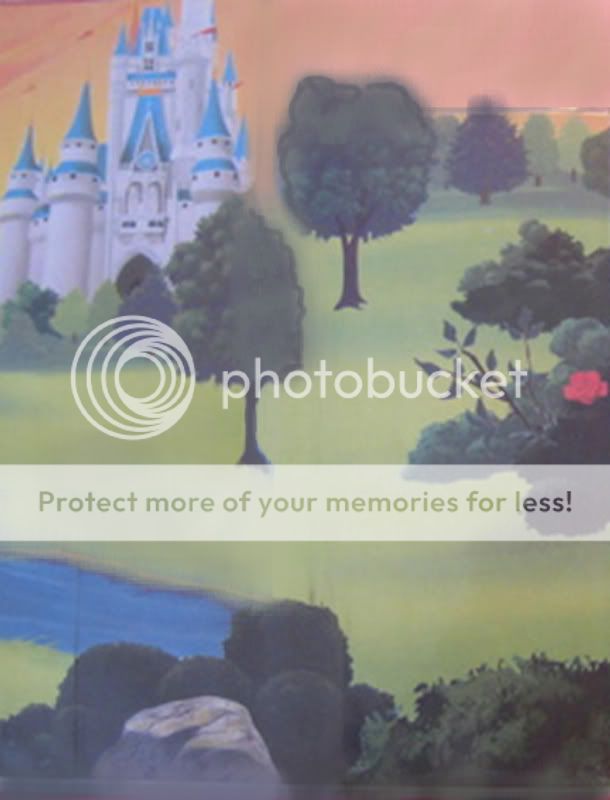
castlepage3.jpg


ballroom3.jpg


I'm sorry if the pictures look fuzzy and distorted. I tried to elongate the pictures to fit a 8 1/2 x 11" page, when most pics are like an 8 x 8. And.... I have very photoshop knowledge. So there you go!:snooty:
 
Here are a few disney theme park pages to put mickey and friends stickers on:
stickerfunepoct.jpg


epcot2.jpg


castlepage.jpg


mgm.jpg
 
You know... I haven't been on in awhile. And I thought I would bump this if anyone was interested.:thumbsup2


Disney Vacation Planning. Free. Done for You.
Our Authorized Disney Vacation Planners are here to provide personalized, expert advice, answer every question, and uncover the best discounts. Let Dreams Unlimited Travel take care of all the details, so you can sit back, relax, and enjoy a stress-free vacation.
Start Your Disney Vacation
Disney EarMarked Producer


DIS Facebook DIS youtube DIS Instagram DIS Pinterest DIS Tiktok DIS Twitter
Add as a preferred source on Google

Back
Top Bottom