This is a setting which is new to me, on my new Canon XS 40. Can someone explain what it does and when I should possibly use it? Thanks!
(Someone please correct me if I'm mistaken)
"Bracketing" is the process of taking a series of pictures (usually 3) when you are uncertain about lighting conditions. Generally, what happens is you evaluate the light (using a meter built into the camera or a handheld meter), then set the aperture and shutter speed (or have the camera do that for you.) When you bracket, you're essentially letting in one "stop" less light, the evaluated amount of light, and one "stop" more light.
I don't have any good examples to post, but when dealing with, say, a harsh lighting environment or an environment when you need to overcome particularly strong backlighting or spot lighting, there's a good chance your light meter will evaluate the light incorrectly. By bracketing, you give yourself a better chance to get a properly-exposed photograph.
Edit: here's a Wikipedia article on the subject: http://en.wikipedia.org/wiki/Bracketing
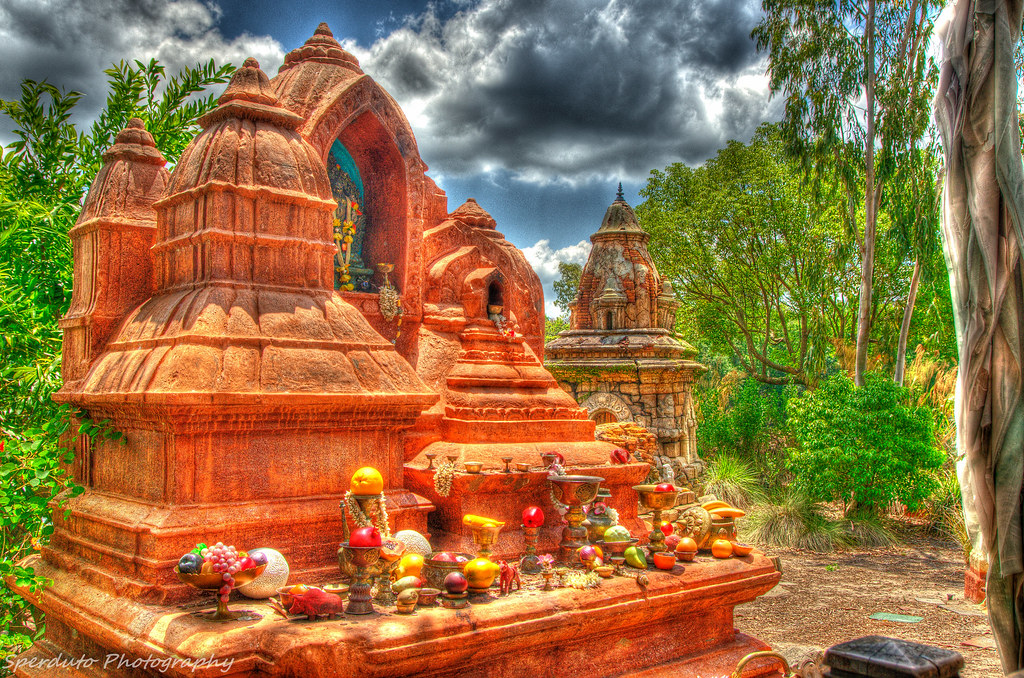
Animal Kingdom HDR by Mike Sperduto


Sounds like this would be a good option when I am photographing my son on the golf course. The lighting there is either really good, or really bad on any given hole/day.
In terms of creation of HDR images, it doesn't work well for pictures of people. Since it is taking 3 pictures, any movement, and it will be very difficult to merge the 3 photos.
Yes, you can use it just to get 3 images to choose from. But in that case, you're probably best served just adjusting the exposure yourself.
Bracketing mode on the camera has traditionally been to give you 3 exposures to choose from and not to create HDR's. With HDR's many photographers bracket manually because it can be desirable to have more or less than one stop between the exposures or they want more than 3 exposures.. basically the standard bracketing mode doesn't get it done or is slower than just changing the exposure value. There is also the issue of constant variables, which variable will change and making that choice yourself rather than leave it up to the camera.
And you can create HDR images from files where the person moved. With no ghosting.

And yes, you can create HDR images where a person has moved -- but it's much harder. If you simply allow computer software to automatically merge the images, you'll get blur or ghosting, as in this HDR image:
I've not foud it to be that much more difficult nor have I found it to require a lot of extra work. But I guess how difficult really depends on your frame of reference.
On psp5x, I just click the 3 images and they automatically merge into HDR. About a 2 second process.
To do what you suggest, I assume you would layer the pictures and manually select the elements you want from each picture. (and thus only use the moving person from 1 of the 3 images)
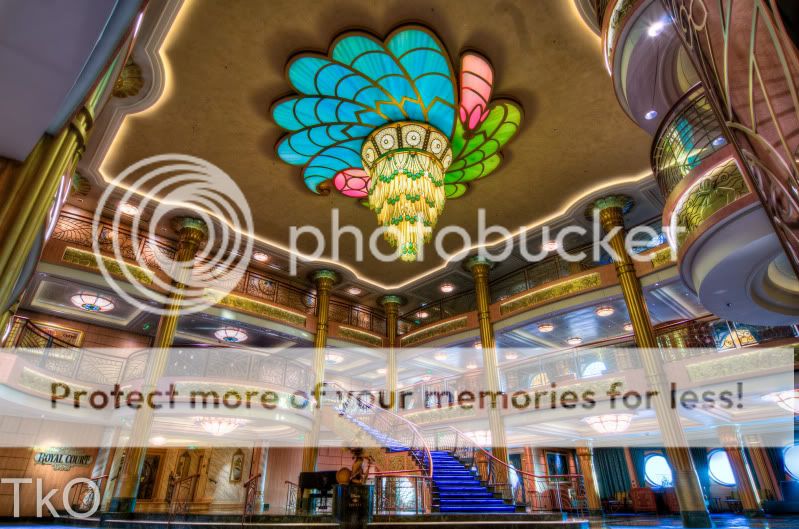
That shot of the Fantasy atrium is fantastic!!!!!!! What lens did you use to get all that?
And just back to the OP... bracketing is used for HDR but it's not the only use for bracketing. This thread is going in a direction that could lead one to think that you can't just bracket to choose the right exposure, and really, that's where bracketing came from. It's used to make HDR's in addition to that.