replacing camcorder with DSLR

WeLubDeeDub

Mouseketeer
Joined
Jul 14, 2005
Messages
146
So I'm up late at night skipping through my video from last year and noticed that there seemed to be long sections of Bibbidi, Wishes, Spectro - stuff that I could leave the camera running on a Gorillapod (with the mindset of editing out the lulls) - but not much else. I was busy shooting with my XT, while the girls were busy vacationing. :rotfl:

In preparation for my trip next month, I'm wondering if any of you shooters out there have any tips for working the video camera plus the still camera (besides visiting each attraction twice). I'd definitely like to have better footage, while still taking a decent set of shots. I really try not to bother my wife with the task, cause I want her to see all the little things that the kids enjoy and experience without having to watch it happen through a little 3.5" screen. She really enjoys watching them.

Any advice, besides growing an extra arm? :rotfl2: At WDW, I run around with a neck-strapped XT and a Sony HC-40 camcorder with the stock handstrap and all accoutrements in a Slingshot 200.

Thanks!
 
Leave the video camera at home. Or, if you really want a video record of your vacation let your girls shot the video.

I was really into video until I realized how much time it takes from shooting to post. I missed too much. With pictures you can still be involved in the fun.
 
I just got a PnS to do HD video to supplement my DSLR. I do have a camcorder, but as small as it is, it is not pocketable. I will only carry the DSLR part of the time. I will probably carry the PnS all the time however.
 
How about trying to experience everything you want to video twice? That way you can concentrate on what you are doing and not miss something important to you.
 

I'd skip trying to video the actual attractions/shows - there are already plenty of others out there working hard on these things and getting pretty good results. There are places on the internet to download high-quality Disney park videos, including a lot of high-def stuff. Some are even edited together from multiple sources.

I'd stick with video of things that are unique to your trip - ie, your family or maybe some live entertainment. Just my opinion...
 
Leave the video camera at home. Or, if you really want a video record of your vacation let your girls shot the video.

Leaving it at home is not feasible. I may try to show my DD7 (soon 8) how to work the video camera. That could make for some interesting footage. Thanks for the idea!

I just got a PnS to do HD video to supplement my DSLR.

I had thought of this too, but I often wonder of the quality of the video. Not sure if it can replace a real video camera. I'll have to search for some videos online to compare.

How about trying to experience everything you want to video twice? That way you can concentrate on what you are doing and not miss something important to you.

I'm wondering if any of you shooters out there have any tips for working the video camera plus the still camera (besides visiting each attraction twice).

D'oh! :rotfl:

I'd skip trying to video the actual attractions/shows - there are already plenty of others out there working hard on these things and getting pretty good results. There are places on the internet to download high-quality Disney park videos, including a lot of high-def stuff. Some are even edited together from multiple sources.

I'd stick with video of things that are unique to your trip - ie, your family or maybe some live entertainment. Just my opinion...

My goal is (and has been) to capture my family experiencing the attraction, and not the attraction itself. I can watch the Travel Channel for attraction only videos. :happytv:

I would just like to have both still and moving pictures for a complete package. Thought others might have struggled a bit with this too.
 
I was going to write a review of my new fx150, but I am feeling a bit lazy. However, I did upload some sample videos and photos. Forgive my big butt in the way.

Videos of me driving. One is at twilight. The other are at evening with more light.

http://www.flickr.com/photos/eknif/3289128822/in/set-72157614026882274/

http://www.flickr.com/photos/eknif/3289199760/in/set-72157614026882274/

My basement, me lifting:
http://www.flickr.com/photos/eknif/3284136052/in/set-72157614026882274/

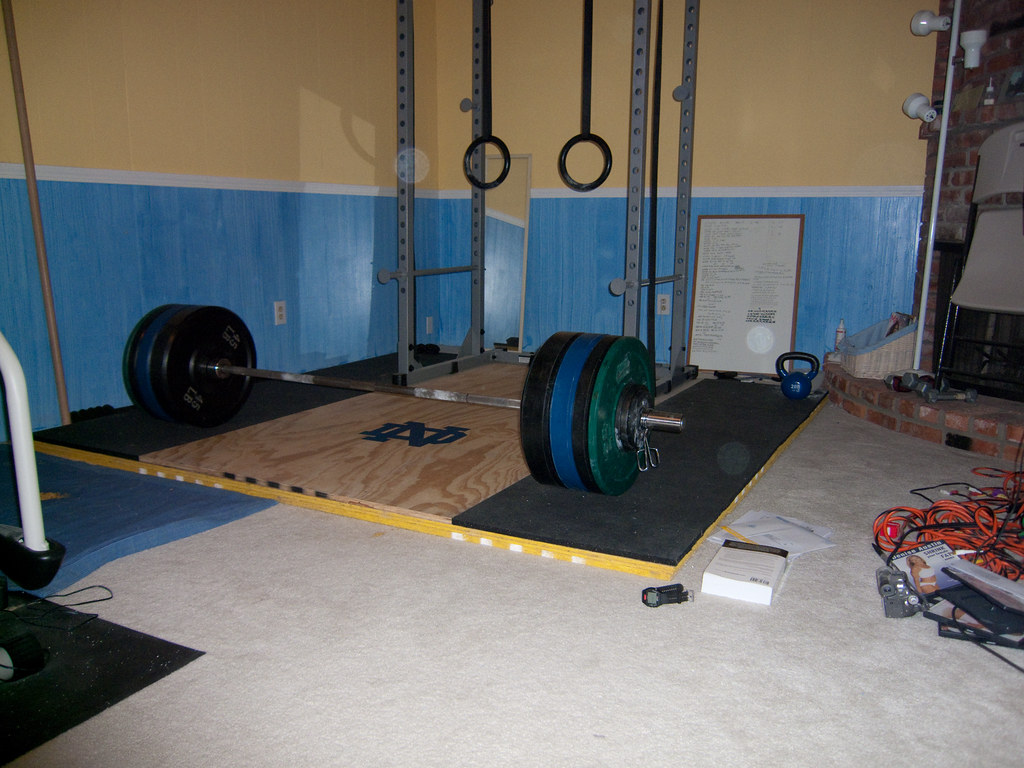
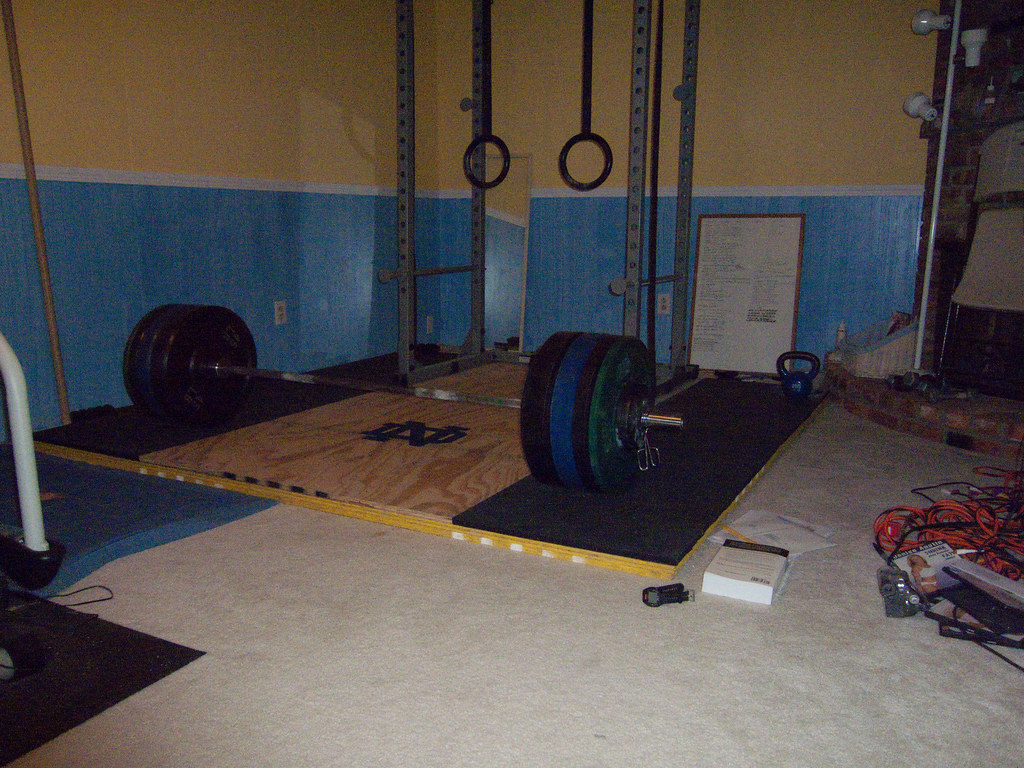
For reference, photos of the basement. All of these + the video were taking on a tripod. The photos were in RAW, imported into lightroom, exported to jpeg with no editing.

P mode (auto)
3288385355_33941ae303_b.jpg


Forced flash off (lots o noise)
3288391157_faae44c7b4_b.jpg


Manual mode (no flash, .5 sec exposure)
3289214468_09b5943692_b.jpg
 
I have a Panasonic Lumix DMC-TZ4 that takes video. I'm wondering if taking video of wdw and the kids on this camera would be good enough or if I should take my camcorder (JVC 20gb hard disk) too.

I'm trying to cut back on all the electronics we are taking and carrying around the parks.

Thanks for your thoughts.
 
Depends on the situation. Here is a video from a very decent Canon SD-1000. The video resolution is good enough for TV, but as you can see from the YouTube video, it doesn't perform well in dark situations. In daylight the picture quality is definitely okay, but the microphone is typically very poor on compact cameras.
 
I'll also say "it depends".

Are you planning just to take quick, short clips of your favorite parts of shows and your kids having fun? Or, do you want to record entire parades and shows?

If it's the first, the video from most bette-quality P&S cameras is very good. Especially in bright light.

If it's the latter, you'll probably be disappointed with the final result.
 
It depends --- also on the specific model camera.

I have seen reports on digital still cameras describing video capability but the actual videos turned out to be less sharp than ancient analog camcorders, or under some hard to predict conditions the videos just "looked herky jerky".

Video (in the U.S.) is 60 poses per second giving a certain smoothness to motion. Many digital still cameras give 30 poses per second, more than film movies but there is a subtle jerkiness that once you see it you seem to see it all the time in the videos.

If the camera uses a red/white/yellow combination video/audio cable, then the quality won't be more than a no-hi-def analog camcorder. (Or rather a DVD player connected using a red/white/yellow cable.) Digital connection such as HDMI is of much better quality, again assuming the camera takes the video with that quality.

* Poses vs. frames per second -- The so called 1080 video from a camcorder (and also from a TV show) is interlaced; you get 540 odd scan lines (rows of pixels) then 540 even scan lines then 540 odd scan lines and so on. At normal viewing distance you don't notice you are getting only half the picture every 1/60'th second. The most modern "1080p" TV sets don't fade out the odd lines when the even lines are put up and vice versa. like the old tube TV's did.
 
Your average camcorder is recording 29.97 fps, not 60. You will find a hard time finding any source of 60 fps videos. Interlacing does not affect fps, it just halves the vertical resolutions. When interlaced videos are played back on a progressive television, they are de-interlaced, with various levels of success. If a video is not properly flagged as interlaced and is played back without deinterlacing on a progressive display (including a PC monitor), you will get combing, those jagged horizontal lines during horizontal movement.

OP: Anyway, like the other said, it's all about your intentions. If you just want some videos of the kids, I think a digicam's onboard video is fine. The quality potentially won't be as good but you're a lot more likely to actually take the video. We've brought a camcorder to Disney and never used it just because it's a separate device to pull out of the bag and use while the still camera gets put down.
 
Some digital still cameras won't let you adjust the zoom as video is being taken. This may or may not be a disadvantage for you.

Probably the best thing to do is try the video feature on your still camera at home and see how it comes out.

Note: Holding the camera steady for video may take getting used to. You may find that a handle that screws to the bottom (tripod socket) of the camera to be useful.

Yes, I agree that something is better than nothing.

(Ph.D. in electronics or imaging science needed) 29.97 poses per second is half the temporal resolution of 59.94 (60) poses per second, old analog camcorders yield the latter. A good de-interlacer (not all TV sets have that quality) will fabricate full frames rivaling non-interlaced 59.94 fps video (if the latter existed for the same show) regardless of how the incoming interlaced video is flagged.
 
When I took short videos with my Canon G9 I attached my Gorillapod to the camera and pushed the legs together. They made a great handle! This method also improved some of my shots in general.
 
Some digital still cameras won't let you adjust the zoom as video is being taken.
That's one of the best features of video with still camera. The world would be a much better place if people either couldn't zoom while shooting or were limited to doing so very infrequently.

When my father used to shoot video, I'd get seasick watching them because of all the constant zooming and panning. Pay attention next time you watch a Hollywood movie. Down a shot every time you see a zoom in or zoom out. You'll be able to drive home from the movie with no problems.
 
That's one of the best features of video with still camera. The world would be a much better place if people either couldn't zoom while shooting or were limited to doing so very infrequently.

When my father used to shoot video, I'd get seasick watching them because of all the constant zooming and panning. Pay attention next time you watch a Hollywood movie. Down a shot every time you see a zoom in or zoom out. You'll be able to drive home from the movie with no problems.

:thumbsup2 Yep! SO true! My DH used to run video cameras for a living. His #1 bit of advice- limit the zooming in and out if you want to be able to watch it later without getting sick.
 
When my father used to shoot video, I'd get seasick watching them because of all the constant zooming and panning. Pay attention next time you watch a Hollywood movie. Down a shot every time you see a zoom in or zoom out. You'll be able to drive home from the movie with no problems.
Well, you have to like Hitchcock's use of dolly back, zoom in move in Vertigo, which wouldn't be possible with a prime lens. Also used in Jaws and who knows how many other movies.

Considering some of the big-budget junk that Hollywood churns out lately, I'd rather see some old overzoomed home movie!
 
Thinking of purchasing DSLR. I know some come with HD video. Are there any cameras whose video feature could replace a DV camcorder?
 
You tell me. This video certainly got me thinking of saving up for the canon 7D. I would imagine that the others brands and makes are comparable to this.

Kramberries originally posted this. Shot on the Canon 7D:

http://econstories.tv/home.html


Disney Vacation Planning. Free. Done for You.
Our Authorized Disney Vacation Planners are here to provide personalized, expert advice, answer every question, and uncover the best discounts. Let Dreams Unlimited Travel take care of all the details, so you can sit back, relax, and enjoy a stress-free vacation.
Start Your Disney Vacation
Disney EarMarked Producer


DIS Facebook DIS youtube DIS Instagram DIS Pinterest DIS Tiktok DIS Twitter

Add as a preferred source on Google

Back
Top Bottom