PB Monthly Assignment, May, 2010: The Magic of Postprocessing and Spring Has Sprung

Pea-n-Me

DIS Legend
Joined
Jul 18, 2004
Messages
41,896
Thanks to everyone who participated in last month's Assigment.

By request, how about we share some of our best results from post processing? Please post before and after photos and explain your thought processes, techniques and EXIF when possible, etc.

It's also a great time of year to get out with your camera to capture some of the beauty of spring.

Ideally, photos should be new, as the whole idea is to get out using your camera. However, for the postprocessing part of the assignment, we'll make an exception so that if there are great older examples that people would like to share, we'd like to see them.

Have fun shooting. :flower: Everyone's welcome to participate, regardless of skill level or camera type. Post as often as you like.

PS next month we will be doing a "scavenger hunt" type assigment. Will post it toward the end of the month so people can get started, but keep it in mind when shooting. We'll probably use the first letters of the alphabet.
 
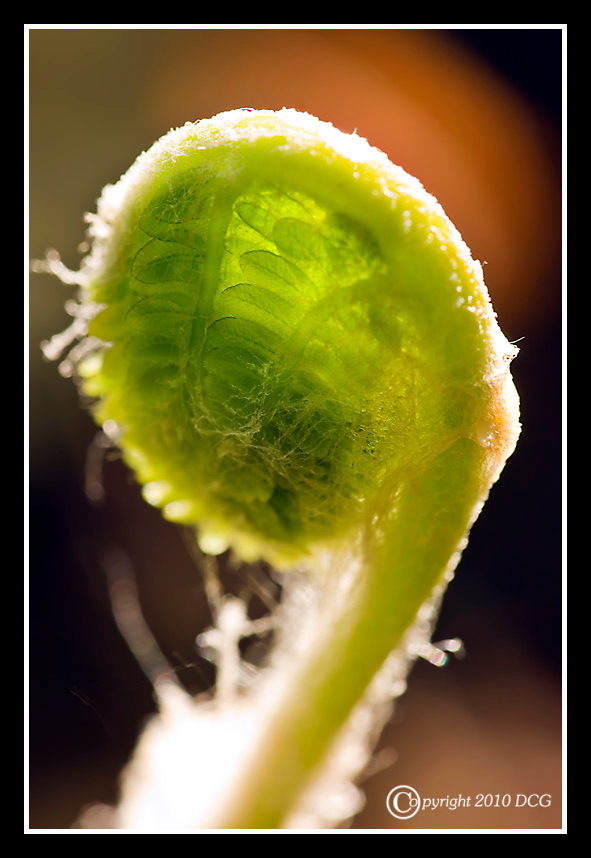
Here are some signs of spring shots from the other day. All wildflowers found in the woods.

856087307_R55Fm-X2.jpg


Canada Mayflower almost ready to open.
857624156_HiNRE-X2.jpg


Wild Strawberry blossom
857626029_kG8HX-X2.jpg
 
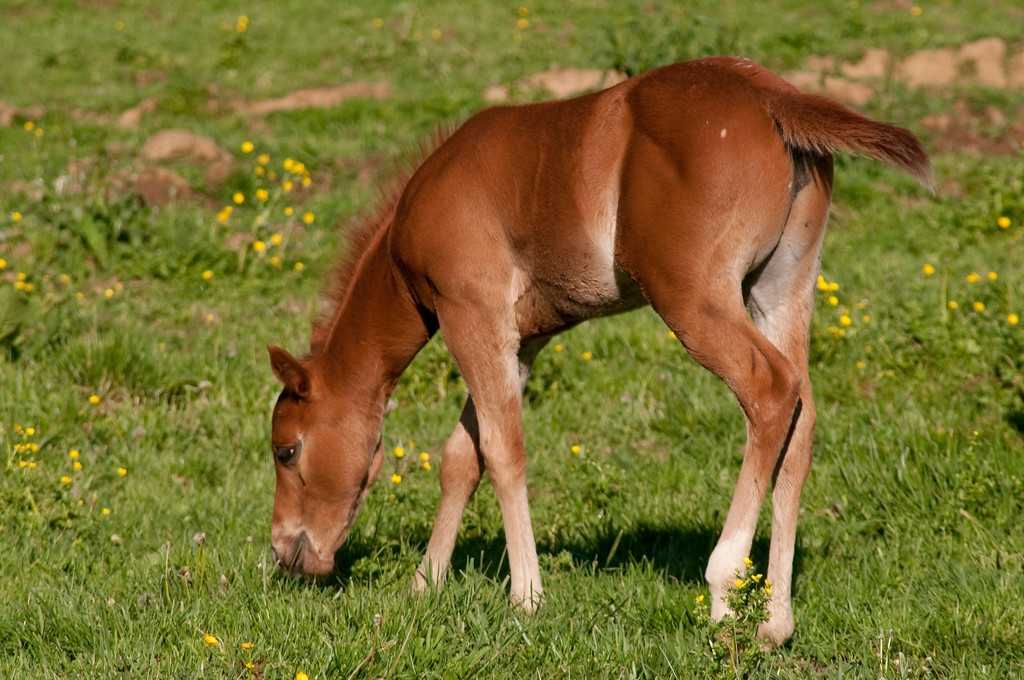
Spring means the arrival of all sorts of new life.

About 5 weeks old now .....

859668327_KT7zF-XL.jpg
 

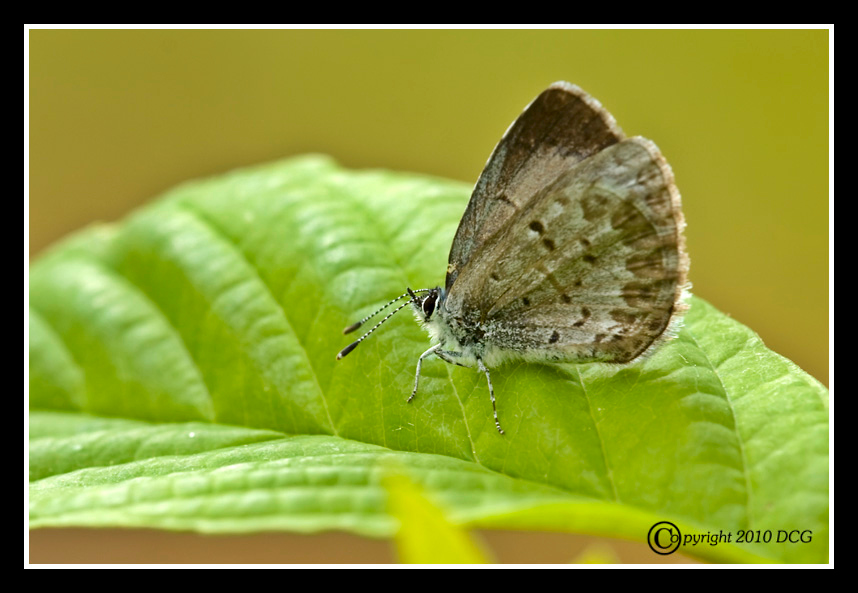
Shot these yesterday, first butterfly or it might be a skipper, I'll have to do some more checking.
865207465_yFPvF-X2.jpg


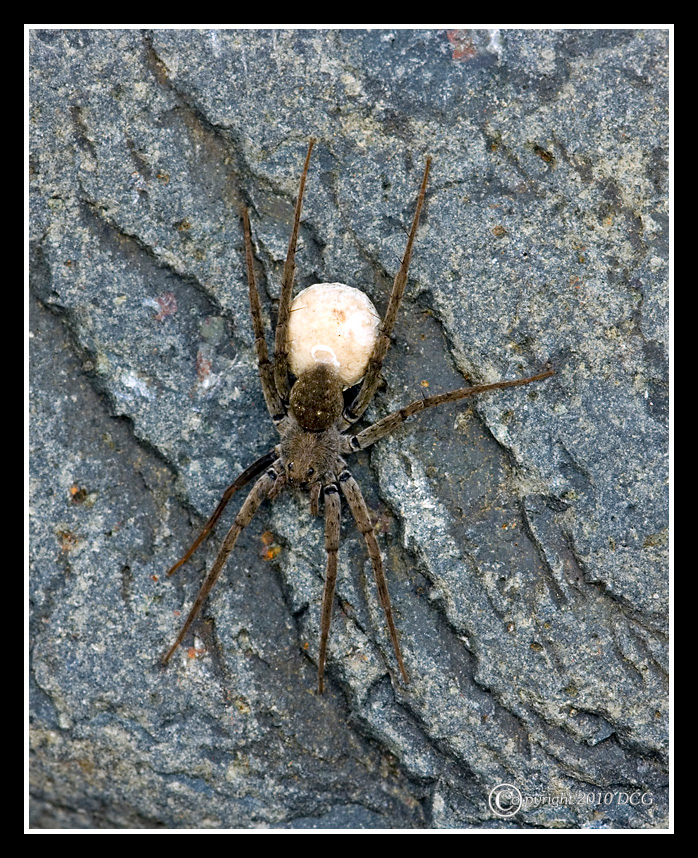
Wolf spider carrying an egg sack.
865204911_Q9nUy-X2.jpg
 
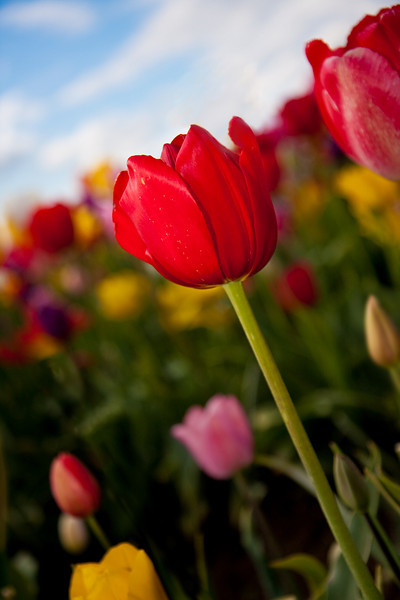
We've got an annual Tulip Festival in our area, so I took advantage of that to take my camera out for a much-needed "walk". :)

Here's a photo of a tulip, straight out of the camera (SOOC):

866138806_5K6sC-L.jpg


ISO 200, f/2.8, 1/2000 sec, 35mm

At the time, I chose these settings because I wanted the least grain (ISO 200) and a shallow depth-of-field (f/2.8) to emphasize this one tulip.

Here's what I did for post-processing in Lightroom:
  • increased the Vibrance to give more vibrant colors
  • added a gradient to darken the sky & make it a richer blue color
  • darken (burn) the lower left corner of the photo to give greater emphasis on the tulip itself
  • gently brightened (dodged) the right side of the red tulip
  • use Photoshop to remove the distracting stem in the lower left corner (someone bit off the head of that tulip!)
Here's the final result:

840762237_niGbL-L.jpg

Here's a before and after, side-by-side:

866138806_5K6sC-L.jpg
840762237_niGbL-L.jpg
 
Here's another photo I took at the Tulip Festival. I saw these 2 farmer kids on a tractor, looking into the distance, so I took a quick photo:

866149802_asPzJ-L.jpg


ISO 400, f/7.1, 1/320 sec, 28 mm

I normally shoot Manual, but since everyone's raving about Aperture Priority, I thought I'd use this opportunity to give it a try. I set the aperture to f/7.1 to get a larger depth of field. Because it was getting a little cloudy, I bumped up my ISO to 400.

Here's what I did in Lightroom:
  • made the colors richer by increasing the Vibrance
  • increased the Blacks to make the blacks "blacker"
  • added a graduated filter to darken the left side of the photo
  • used the adjustment brush to brighten (dodge) the standing child's face

Here's the final result:
839993563_aaVc9-L.jpg

After I post-processed the photo, I thought, these kids and this scene almost look like something from the Depression era. So I tried a couple different black-and-white techniques.

In Lightroom, I created a Virtual Copy to experiment on my black-and-white technique. I used Split Toning (both the highlights and shadows) to create a sepia look:

840069707_yAJnL-L.jpg

I also tried using Nik Software's Silver Efex Pro (link), which makes it very very easy to create rich black-and-white photos. Here's what I got:

840069532_4A5er-L.jpg

I, personally, like the black-and-white one, and my wife likes the sepia one. What do you all think?

Anyway, that was my thought process for this particular photo.
 
840069707_yAJnL-L.jpg

I also tried using Nik Software's Silver Efex Pro (link), which makes it very very easy to create rich black-and-white photos. Here's what I got:

840069532_4A5er-L.jpg

I, personally, like the black-and-white one, and my wife likes the sepia one. What do you all think?

Anyway, that was my thought process for this particular photo.[/QUOTE]


B&W for sure. Reminds me of my roots in central IL. Ive seen a few pictures of my relatives in the same pose from the 20's.
 
Here's an older shot that I thought was processed pretty nicely in the past.... until I discovered Lightroom. :thumbsup2

It was taken when I still had the S3 IS, and I was still in Program mode. So the camera decided on: 1/320, f/3.5, ISO 80 (my adjustment), 54.9mm


Well, my main intention was to give this a bad @$$ look. The pic was way too bright for my liking; and pretty flat as far as color. I sort of neglected Vader (probably should've given him more attention), and just focused on Ray Park. Not only did I want to give him more color (increased temperature), and bring out his facial details; but I REALLY wanted to do something with the reflections in his sunglasses. The adjustment box under the pictures is from the brush tool I used to bright out said reflections. The boxes on the right are for the overall picture. For those not familiar with Lightroom; when you work on a JPEG like this, all of those numbers start at '0'. (RAW files have different starting points)


After all was said and done......

 
Here's a shot that was taken on a cloudy day at Animal Kingdom. Shot in RAW.
Settings: ISO 400 (to give me more speed in lower light), f/11 (in Aperture Priority to give me more sharpness throughout, 135mm (because that's as far as my lens goes ;) ).

The before image wasn't how it was shot. If I had kept the camera in Auto WB, that's how the picture would've looked. But since I had the camera on the the Cloudy setting, it initially had a little more warmth.

Using Canon's Digital Photography Professional software:


I decided to give the shot even more warmth. And the decreased value in Shadows actually makes the shadows darker. After I converted the pictures to JPEG, that's when I sharpened it up some.

And in the end, I cropped the top and bottom, then added the bars to try to give this a more cinematic feel.

 
Took this today at a local park. Processed it in Lightroom using a grunge preset (I wanted to show the texture of the tree bark)

Now that I'm looking at it, I need to go back there and shoot just the winter garden house. Live and learn.

868628258_3ywQX-L.jpg
 
this shot were taken with my new MF 70-300 lens.

DSC00701.jpg

Changing out to the spring boquet. I was trying to intentionally get the fact that the flowers are very fake looking and cloth


Disney Vacation Planning. Free. Done for You.
Our Authorized Disney Vacation Planners are here to provide personalized, expert advice, answer every question, and uncover the best discounts. Let Dreams Unlimited Travel take care of all the details, so you can sit back, relax, and enjoy a stress-free vacation.
Start Your Disney Vacation
Disney EarMarked Producer


DIS Facebook DIS youtube DIS Instagram DIS Pinterest DIS Tiktok DIS Twitter

Add as a preferred source on Google

Back
Top Bottom